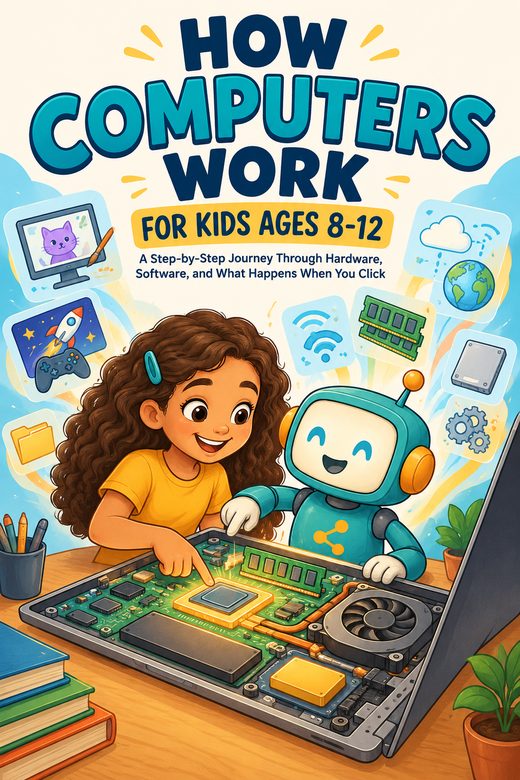
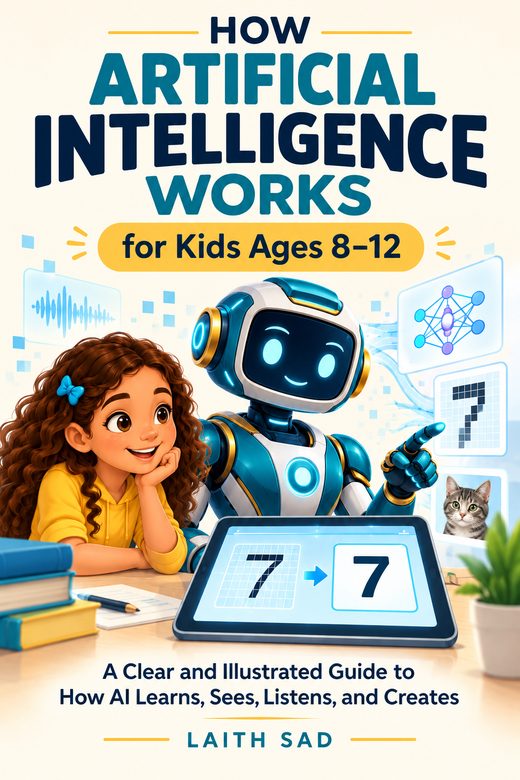
How Does the Internet Work for Kids?
Devices, Wi-Fi, routers, packets, and DNS, plus a step-by-step look at what happens when you open a website.
Read article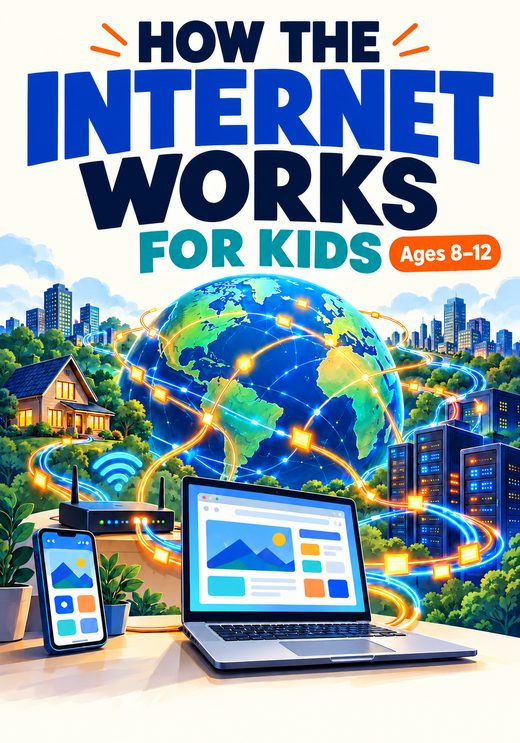
A Clear and Illustrated Guide to Networks, Protocols, Websites, Online Safety, and Privacy
Every time a child opens a website, sends a message, watches a video, or joins an online game, an invisible journey begins. Information is split into packets, sent through routers and cables, and put back together on a screen in seconds.
This book follows that journey from start to finish. In clear, age-appropriate language, with diagrams and familiar examples, it explains how the Internet connects people, devices, networks, websites, and apps.
The book has 18 chapters with explanatory diagrams, review activities, and a final Internet exploration challenge. It suits independent reading, parent-and-child learning, classroom discussion, homeschooling, or an introductory computer science and digital literacy unit. Online safety is presented as part of understanding the technology, not as a set of frightening warnings.
Read a free introduction to the same topic before you decide. It works as a first lesson or a conversation starter.
All Learn articlesDevices, Wi-Fi, routers, packets, and DNS, plus a step-by-step look at what happens when you open a website.
Read article