What Is Phishing? A Kid-Friendly Guide to Spotting Tricks
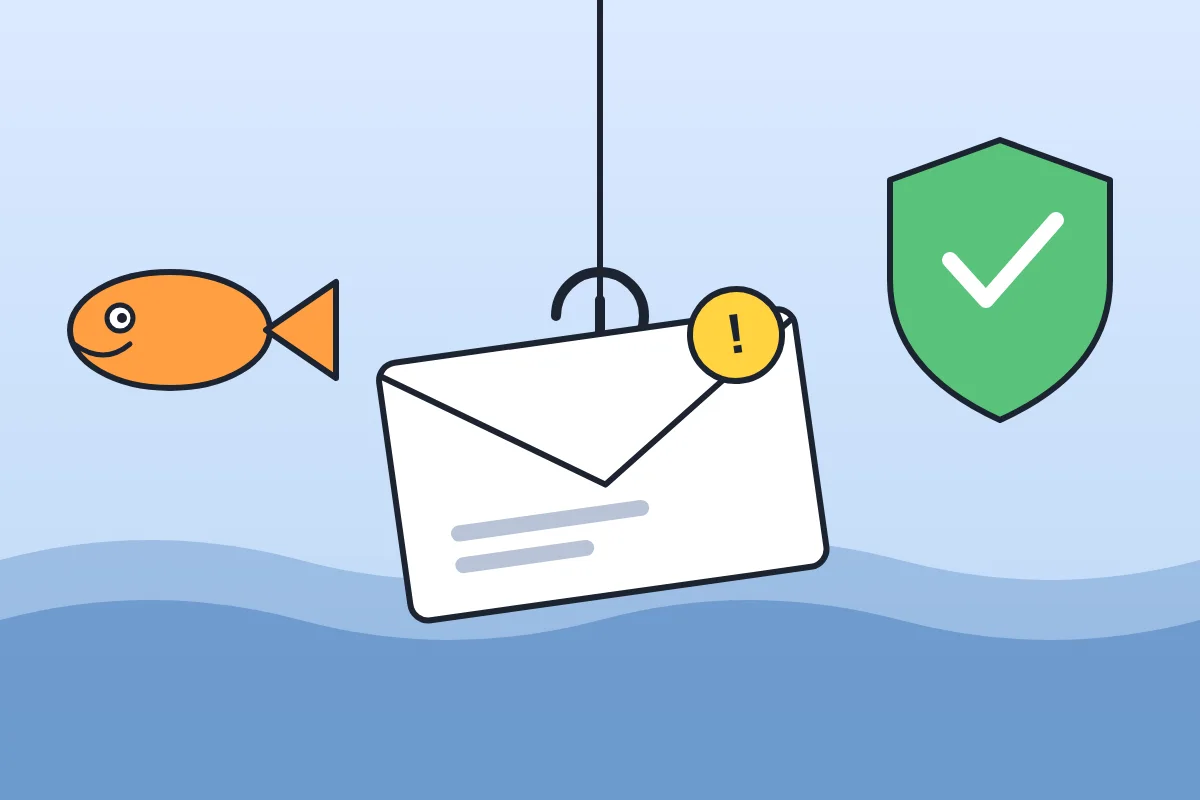
A message pops up: “You won a free game! Click here!” It sounds great. But what if someone is trying to trick you? That trick has a name: phishing.
Phishing is when someone pretends to be a person or company you trust so you will give them something, like a password, or click a link you should not. The word sounds like “fishing” on purpose. The message is the bait, and the trickster hopes you will bite.
Where phishing shows up
Phishing can come by email, text message, social media message, or even a phone call. It is made to look like it came from someone real: a bank, a game, a store, or even a friend.
Warning signs of a phishing message
- It is in a hurry. “Do this in 10 minutes or your account will be closed!” Scammers want you to act before you think.
- It asks for private information. A real company will not ask for your password in a message.
- The link or address looks off. A name that is almost right, like a letter swapped, is a clue. Look at the real web address, not just the words on the button.
- It is too good to be true. Free prizes and surprise gifts are a classic bait.
- You were not expecting it. A message that comes out of nowhere deserves a second look.
What to do if you get one
- Stop. Do not click, reply, or download anything.
- Tell a grown-up. It is not your fault. Even adults get fooled.
- Check another way. If the message might be real, a grown-up can open the company's website by typing the address themselves, or call the real phone number.
- Delete it. Do not reply, even to say no.
For parents and teachers
Talk about phishing early and calmly. Turn on automatic updates and multi-factor authentication where possible, so a stolen password alone is not enough to get into an account. In the United States, you can report phishing by forwarding scam emails to [email protected], forwarding scam texts to 7726 (SPAM), or reporting at ReportFraud.ftc.gov.
Try it: spot the trick
Read these four made-up messages. Which look like phishing, and why?
- “Your game account will close in 10 minutes. Send your password now!”
- “Reminder: library books are due Friday.”
- “Sam's Game Shop: You won a free game! Click here to claim it.”
- “Your class project is due Monday. Good luck!”
Answer: A and C look like phishing. A is rushed and asks for a password. C offers a too-good prize with a link. B and D are ordinary reminders with no request for private information. When you are not sure, ask a grown-up.
Quick questions
Can phishing happen on a game or a chat app? Yes. Phishing is not only email. Any place where people can send you messages can be used.
What if the message uses my name? Scammers can find names easily. A name does not prove the message is real.
What if I already clicked? Tell a grown-up right away. Do not type anything into the page. Changing a password and checking the account can help.
Keep exploring
Read Internet Safety for Kids, What Is a Password?, and What Is a URL? to build safer clicking habits. The How the Internet Works for Kids book goes further.