What Is the Cloud? Explained for Kids
People say their photos are “in the cloud.” That sounds like the photos are floating in the sky. They are not. They are stored on computers, in a building, on the ground.
Where is the cloud?
The cloud is a name for powerful computers kept in big buildings called data centers. The computers that store files and send them out when asked are called servers.
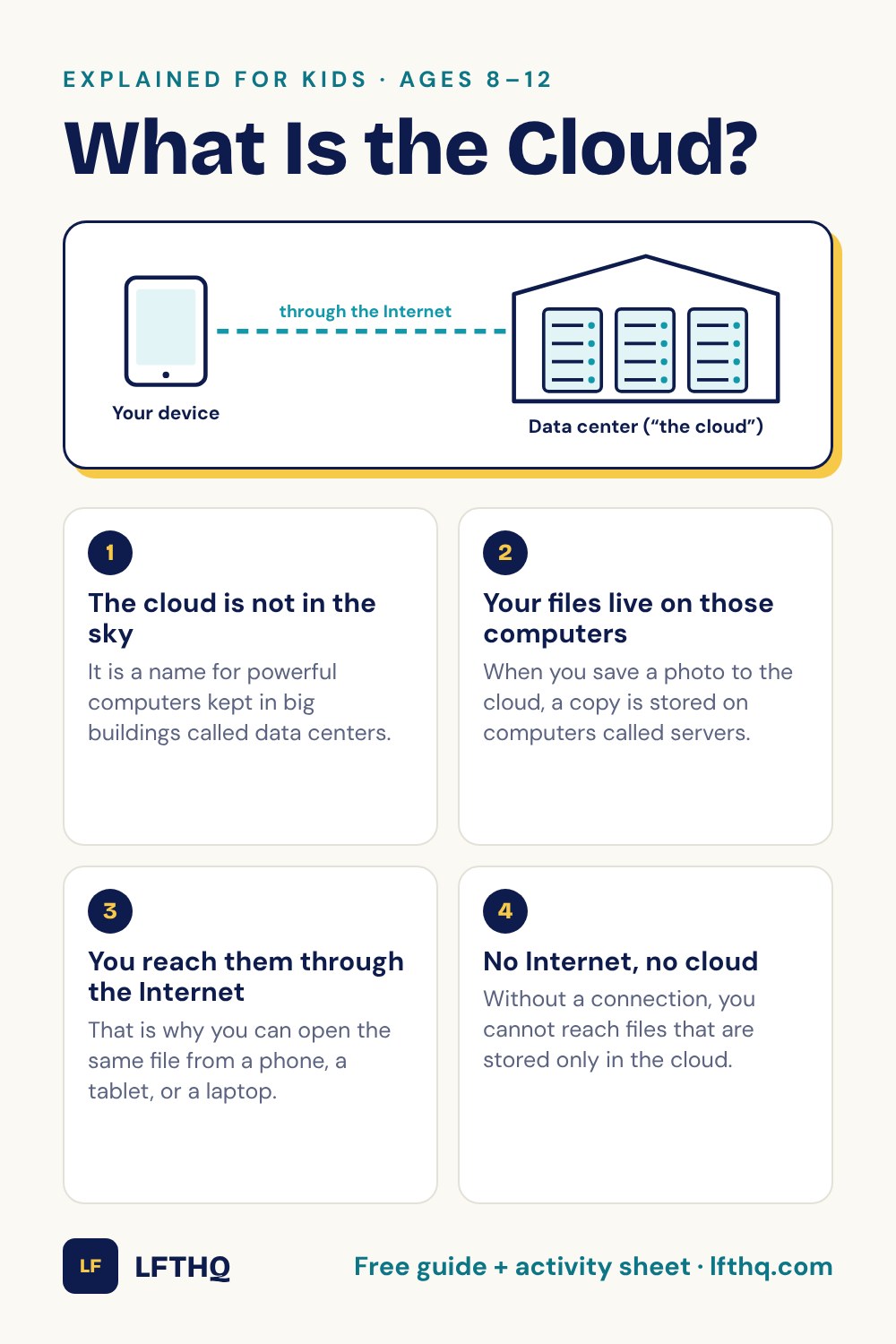
A good way to remember it: the cloud is other people’s computers.
What happens when you save to the cloud?
When you save a photo to the cloud, your device sends a copy through the Internet to a server in a data center. The server keeps it.
Later, when you want to see the photo, your device asks the server for it, and the server sends it back.
Why do people use it?
- You can reach your files from any device. Sign in on a phone, a tablet, or a laptop, and the same files are there.
- You can share. A group can work on the same school project from different homes.
What to be careful about
- No Internet, no cloud. Without a connection, you cannot reach files that are stored only in the cloud.
- A password protects your files. It needs to be a strong one, and it needs to stay secret.
Questions to talk about
- What does your family keep in the cloud?
- What is the difference between a file on your tablet and a file in the cloud?
- Why does the cloud need the Internet?
Questions parents ask
Where is the cloud, really?
The cloud is not in the sky. It is made of thousands of powerful computers kept in big buildings called data centers. When you save a photo "to the cloud," it travels over the internet and is stored on one of those computers.
Can I open my cloud files without the internet?
Usually not, because the files live on computers far away. Some apps let you mark a file to keep a copy on your device, so you can open it offline. Any changes are sent to the cloud the next time you connect.
Is it safe to keep things in the cloud?
Big cloud services work hard to protect the files they store. The weak spot is usually the account itself. A strong password and two-step verification keep it much safer. It is also wise to think twice before saving very private things anywhere online.
What cloud services do kids already use?
More than they might think. Online games that save your progress, school apps for homework, video streaming and photo backups on a phone all use the cloud. The work and the files are on faraway computers, not just on your device.