How Do AI Image Generators Work?
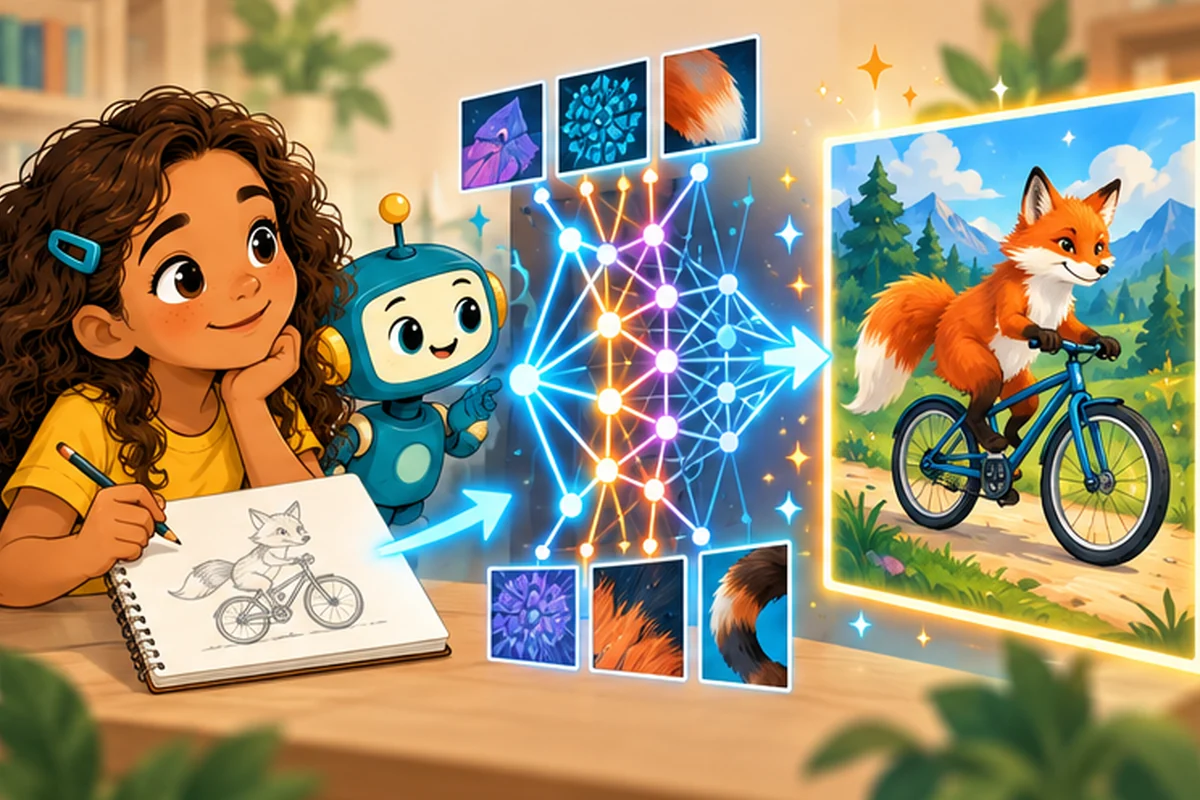
Suppose you type, “A purple fox riding a bicycle through a snowy forest,” and an AI tool produces a picture. No artist painted that exact scene by hand at the moment you asked. So how did the computer do it?
First, it learns patterns from examples
An AI image generator is built by training a model using large collections of images and, for many systems, descriptions associated with images. During training, the model adjusts its internal numbers so it can represent useful patterns: what bicycles often look like, how shadows work, or how words relate to visual features.
The model does not need to keep a neat scrapbook with one complete picture for every possible request. It can combine learned patterns into a new-looking image. However, generated outputs can sometimes resemble training material, and questions about permissions and artists' rights matter.
Then you give it a prompt
A prompt is an instruction describing what you want. Compare two prompts:
- “A dog.”
- “A cheerful black-and-white dog wearing a red scarf, sitting beside a rainy window, watercolor style.”
The second prompt gives more clues about objects, colors, setting, and style. Yet the generator can still misunderstand a request or make unexpected choices.
One common method starts with noise
Many image systems use a family of techniques called diffusion models. A simple way to imagine them is to begin with visual noise—like television static—and repeatedly adjust it toward an image matching the prompt. Each step makes the emerging picture more structured. Other image-generation methods work differently, so not every AI art tool follows this exact process.
The computer is using mathematics learned during training, not a person hiding inside the screen.
Why do AI pictures get details wrong?
Hands may have extra fingers. A bicycle might have oddly connected wheels. Text on a sign might be unreadable. These errors can happen because the model produces plausible visual patterns without the everyday understanding needed to check every physical detail.
Some generated pictures look like real photographs even though they show events that never happened. That makes careful labeling important. Never use a realistic AI picture to falsely claim that a person did something.
Using image generators responsibly
- Get permission before uploading someone's photo.
- Avoid including private information in prompts or uploads.
- Follow school rules for AI-assisted assignments.
- Clearly identify AI-generated images when people could mistake them for real evidence.
- Respect creators' work and check the terms of any service you use with a trusted adult.
Try it: prompt like a designer—without AI
Write a prompt that includes subject, setting, colors, and mood. Give it to a friend and ask them to draw what they imagine. Compare the result with your idea. What did the words explain clearly? What important detail did you forget to mention? This is a good way to learn why prompts can be interpreted in different ways.
Quick questions
Does a generated photo prove an event happened? No. Pictures can be generated or edited.
Is an AI image generator the same as a search engine? No. A search engine usually helps find existing content; an image generator produces output from a trained model.
Keep exploring
Begin with What Is Artificial Intelligence for Kids? and What Is a Chatbot?. For a fuller explanation of models, training, and errors, see How Artificial Intelligence Works for Kids.