How Does Email Work for Kids?
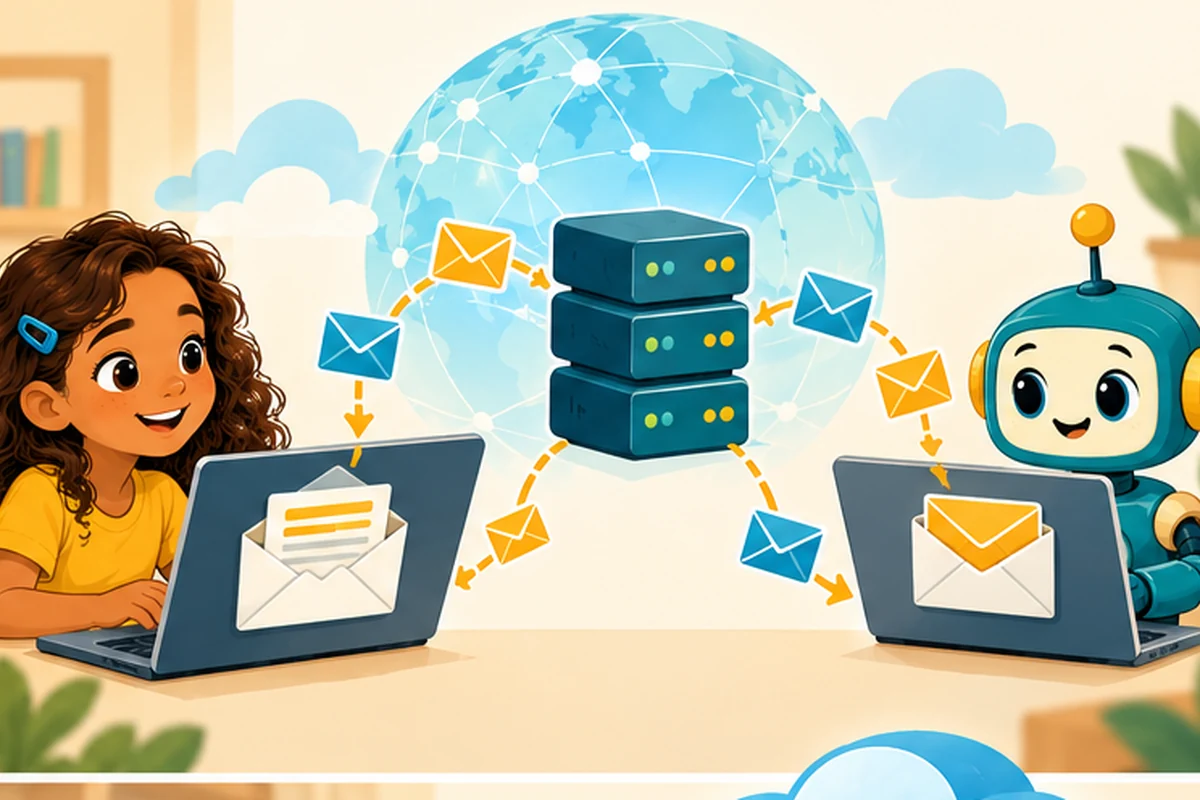
Imagine sending a drawing to a cousin who lives hundreds of miles away. You tap Send, and a moment later the drawing is in their inbox. It feels as if the message travels directly from your screen to theirs. Usually, it travels through several computers that handle email.
An email address has two important parts
An address such as [email protected] has a name before @ and a domain name after it. The name identifies the mailbox at that provider; the domain identifies the email service that receives mail for that address. It is a little like writing both a person's name and the name of their post office.
Your email app is the place where you write and read messages. Mail servers are computers and software that accept, pass along, and store them.
The journey from Send to Inbox
- Write: Alex types a message, adds a subject line, and attaches a picture.
- Submit: The email service accepts the outgoing message. Mail services commonly use rules called SMTP to transfer email.
- Find the destination: The sending server looks up the receiving domain's mail information using DNS, including special MX records that identify mail servers.
- Deliver: The message reaches the recipient's mail system. That system may check for spam or suspicious attachments before placing it in the correct mailbox.
- Read: The recipient opens their mail app and sees the message. Many apps synchronize mail from a server so the same inbox can be viewed on a phone and a computer.
A message can sometimes be delayed or rejected. The Internet does not promise that every email arrives immediately.
Sending is different from reading
You may hear three technical terms: SMTP, IMAP, and POP3. They are not three kinds of email. They are different sets of rules. SMTP is mainly for sending or relaying messages. IMAP lets a mail app work with messages held on a server. POP3 is another way to retrieve email, often by downloading messages. Modern webmail may use additional technology behind the scenes.
Can anyone read my email on the way?
Providers often protect connections with encryption, but ordinary email is not automatically private from every service involved. An email can also be forwarded or shown to other people. Never assume an inbox is a secret diary.
Email can also carry phishing messages: fake notes that pretend to come from a trusted person or company to make you reveal information or click a dangerous link. A familiar name or logo does not prove a message is genuine.
Try it: build a paper email route
Draw four boxes labeled Sender, Outgoing Server, Receiving Server, and Inbox. Write a harmless message on a paper envelope. Pass it from box to box. At the middle box, ask a classmate to check the destination address. At the last box, place the message in the correct mailbox. Then explain what could go wrong if the address was misspelled.
Quick questions
Is email the same as instant messaging? No. Both send digital messages, but they can use different services and delivery systems.
Does a spam filter catch every scam? No. Treat unexpected requests for passwords, codes, or money carefully and show a trusted adult.
Can I attach a huge video? Email services often limit attachment sizes, so people sometimes share a cloud link instead.
Keep exploring
See how the underlying networks work in How Does the Internet Work for Kids? and practice safer online habits with Internet Safety for Kids. The Internet for Kids illustrated book explores more technologies behind everyday online activities.