What Are Internet Cookies? Explained for Kids
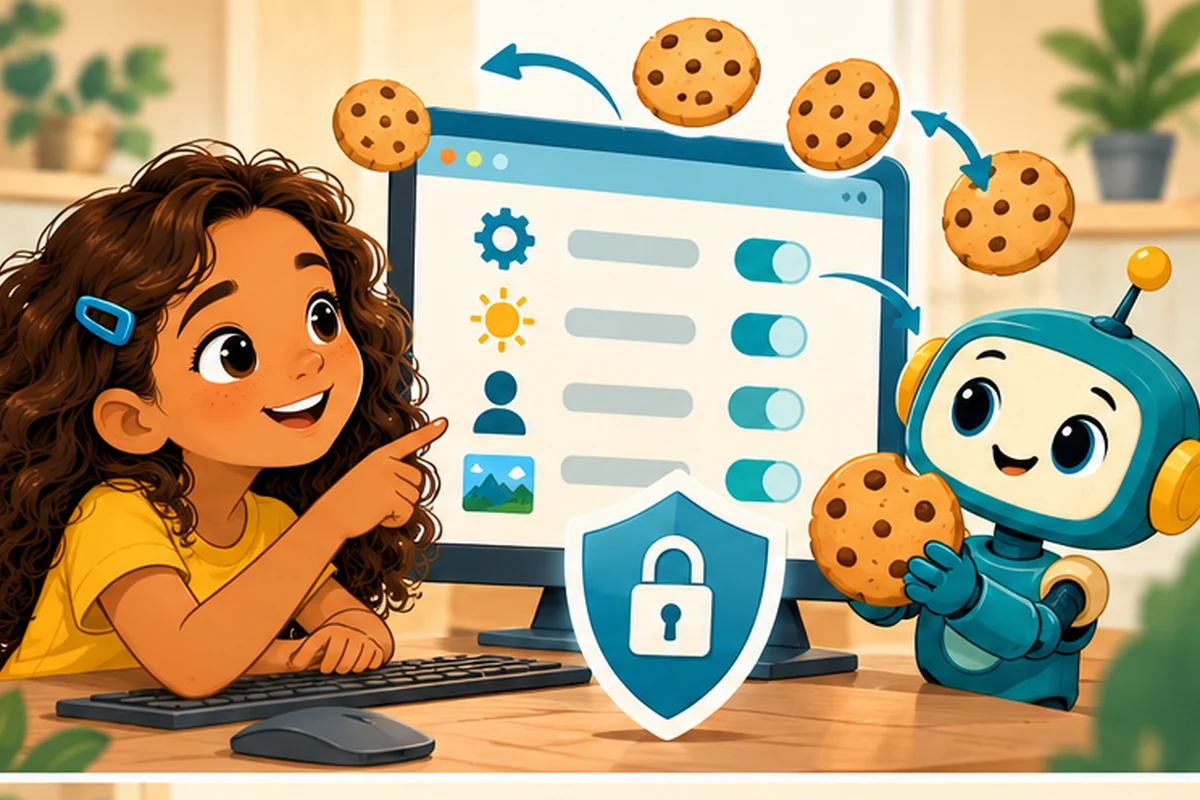
Have you ever visited a website, chosen dark mode, closed the tab, and returned to find dark mode still switched on? The website may have remembered your choice using a browser cookie. Despite the name, it has nothing to do with snacks.
A cookie is a tiny note
A browser cookie is a small piece of data that a website can ask your web browser to store. On a later visit, the browser may send the cookie back to that site. It is a little like getting a numbered ticket at a museum: when you return to the desk, the ticket helps the staff recognize your visit without asking the same questions again.
Cookies can help a website remember your language, keep items in a shopping cart, or recognize that you have already signed in. A cookie often holds an identifier rather than your whole password or profile. Websites can connect that identifier with information on their own servers.
What happens when you revisit a site?
- You visit a website and choose a setting, such as English instead of Spanish.
- The website sends a small cookie to your browser.
- Your browser stores it if its settings allow that cookie.
- Later, your browser may return the cookie to the same website.
- The website recognizes the saved setting and loads the version you chose.
Not every website uses cookies in exactly the same way. Some use other storage technologies, and not every cookie remains after you close the browser.
Helpful cookies and tracking cookies
First-party cookies come from the website you are visiting. They may be used for sign-in sessions, preferences, or measuring visits. Third-party cookies are associated with another site whose content appears on the page, such as certain advertising services. Some have been used to follow browsing activity across different websites.
Browsers have increasingly restricted third-party tracking, and the available controls differ between browsers. A cookie is not automatically a virus, but your privacy still matters.
What a cookie cannot tell you
A cookie does not normally read every file on your computer. It also does not prove that a website is safe. Someone who steals a valid sign-in cookie might be able to act as the signed-in user, so browsers and websites need security protections.
Privacy tip: Ask a parent or trusted adult before accepting optional tracking on an unfamiliar site. You can review cookies and site data in the browser's privacy settings. Clearing cookies may sign you out of accounts or reset preferences.
Try it: the memory-ticket game
Give a friend a card labeled Visitor 17. Write “blue background” next to Visitor 17 on your secret list. Ask them to leave and return showing only their card. Can you remember their choice without asking again? That is similar to how a site can use a cookie identifier to find a saved setting.
Now discuss a harder question: what happens if another person gets the Visitor 17 card? That is one reason a real sign-in cookie needs protection.
Quick questions
Do I need to accept every cookie? No. Some are needed for a site's basic functions, while optional tracking can often be refused.
Will deleting cookies erase my photos? Clearing browser cookies does not normally delete photographs saved in your device's photo library.
Are cookies the same as browser history? No. History lists pages you have visited; cookies are pieces of website data stored by your browser.
Keep exploring
Learn the bigger picture in Internet Safety for Kids and How Does the Internet Work for Kids?. For more illustrated explanations, see How the Internet Works for Kids.