How Does Streaming Video Work?
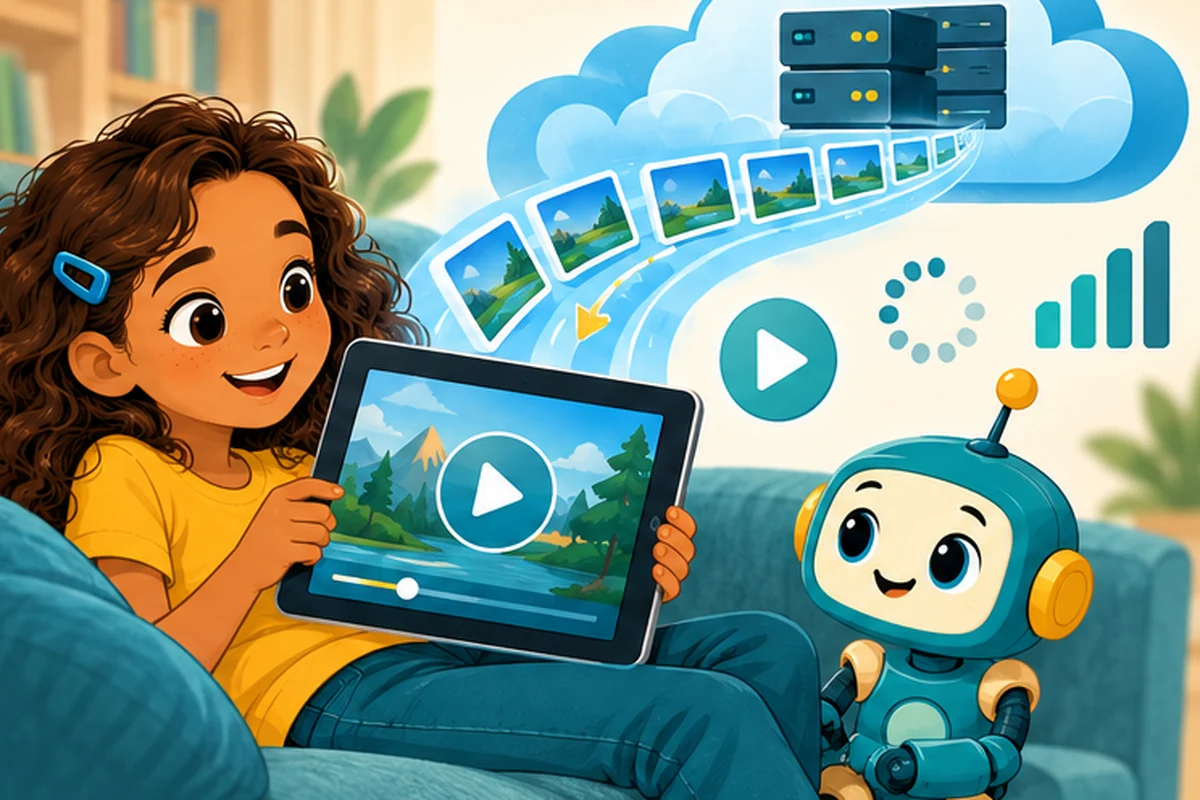
You press Play on a video, and the picture moves before the entire movie has arrived on your tablet. How is that possible? The trick is called streaming: your device receives data while it is playing the content instead of waiting for a complete download.
A video is a fast-changing series of pictures
An ordinary video shows many pictures, called frames, one after another. Sound plays alongside them. Video files can become enormous, so services use compression to store and send them more efficiently. Compression removes or represents information in smarter ways so fewer bits may be needed. Depending on the method, some image detail may be lost.
What happens after you press Play?
- Your device connects to a video service over the Internet.
- The player requests an opening section of the video.
- The server sends compressed video and audio data, often in short segments.
- The player decodes the data, turning it into moving images and sound.
- While you watch one part, the player requests more parts to keep the video going.
The service may store copies of popular videos on servers nearer to viewers. This kind of content delivery can reduce the distance the data has to travel.
What is buffering?
Imagine filling a small bucket from a faucet while pouring water out of it. If water arrives faster than it leaves, you have some water saved for later. A video player builds a similar buffer, holding a little data ahead of what you are watching.
If the connection slows for too long, the player may use up that saved data. Then the video pauses while more arrives: the familiar loading circle.
Why does video quality sometimes change?
Streaming services can offer several versions of a video. One version uses more data and looks sharper; another uses less data and may look softer. With adaptive bitrate streaming, the player can change versions when network conditions change. This is why a video may briefly appear blurry on a slow connection and then become clear again.
A faster Internet plan may help, but speed is not the only factor. Weak Wi-Fi, a crowded home network, a slow server, or a struggling device can also affect playback.
Streaming is not exactly the same as downloading
Both involve receiving digital data. When you download a file for offline use, you usually keep a saved copy on the device. When you stream, the player mainly receives enough data to play as you go. Apps may still store temporary pieces in a cache, and some provide an offline-download option.
Try it: become a video buffer
Cut a sheet of paper into eight small numbered “video segments.” Ask a friend to hand you one segment every two seconds. Try to “play” by laying down one segment every second. What happens if the next pieces do not arrive in time? Now start only after you have received three segments. Does having a buffer help?
Quick questions
Does 4K always mean smoother playback? No. A higher-resolution video often needs more data, and a slow connection may struggle to keep up.
Why does pausing help sometimes? Some players keep loading video while paused, making a larger buffer. Others limit how far ahead they load.
Keep exploring
Start with What Is Wi-Fi? Explained for Kids and How Does the Internet Work for Kids?. For more detail on packets and networks, visit the Internet for Kids book page.