7 Screen-Free Activities That Teach Kids How Technology Works
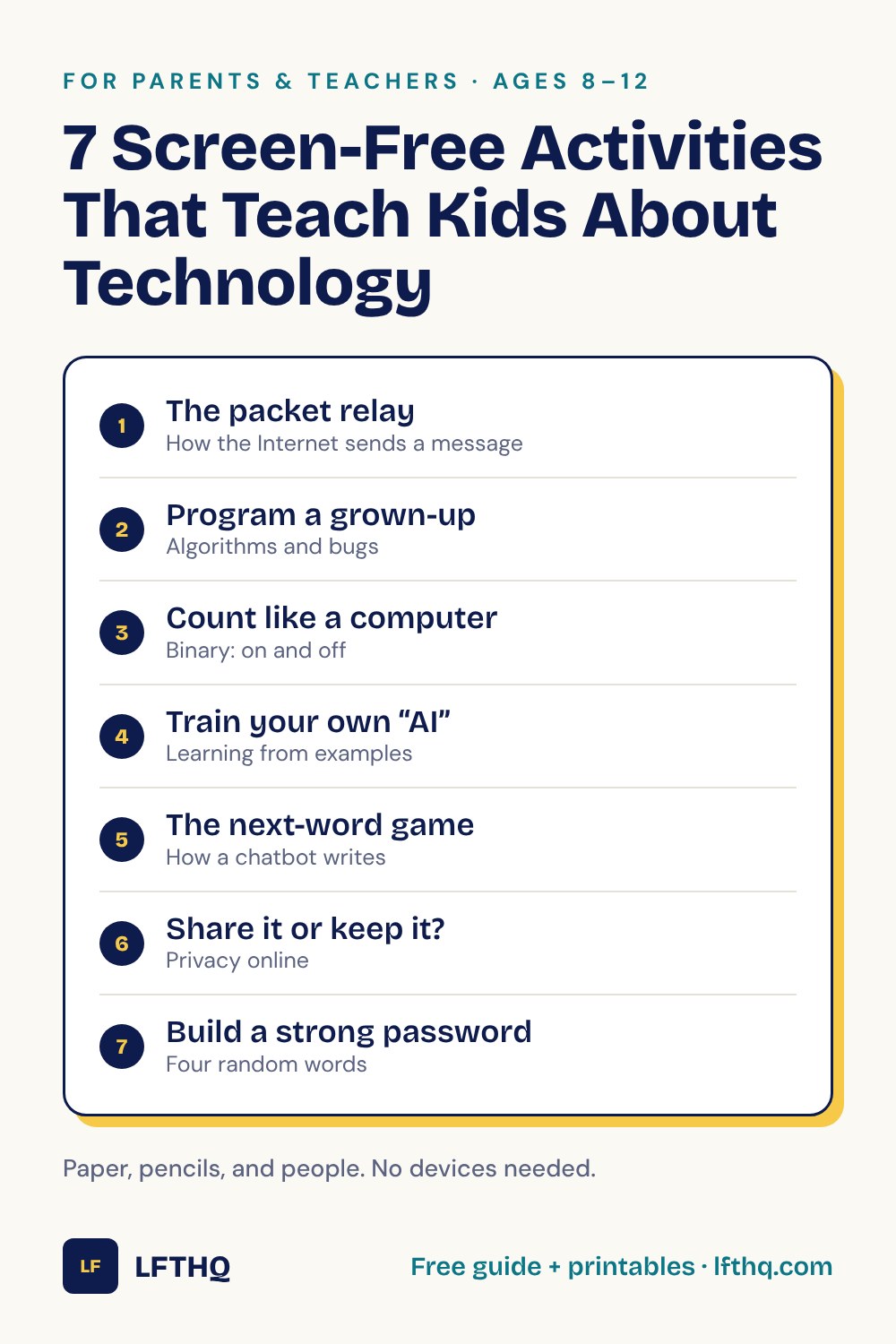
Many families want more time away from screens. That does not have to mean time away from learning about technology. These seven activities use paper, pencils, and people to show how the Internet, computers, and AI work.
Why learn about technology away from a screen?
On a screen, technology hides how it works. A message just arrives. A video just plays. When children act out the steps with their own hands, the hidden parts become something they can see, move, and argue about.
Each activity below takes 10 to 20 minutes and needs only things you already have at home or in a classroom. Each one ends with the real idea behind the game, so you can explain it with confidence.
1. The packet relay
You need: paper, scissors, a pencil, and at least three people.
- Write a short message on a strip of paper and cut it into five pieces.
- Number each piece, and write the name of the person it is going to on every piece.
- Hand the pieces to different helpers around the room. Each helper passes a piece along toward the receiver, by any route they like.
- The receiver puts the pieces in order by number and reads the message.
Now play again, but secretly keep one piece back. The receiver will notice that a number is missing and can ask for that piece again.
The real idea: the Internet does not send a photo or a video in one lump. It splits it into small pieces called packets. Each packet carries an address, the packets may take different routes, and the receiving device puts them back in order and asks again for any that are missing. Read more in How Does the Internet Work for Kids?
2. Program a grown-up
You need: paper, a pencil, and an adult willing to look silly.
- The child writes step-by-step instructions for a simple job, such as drawing a house or making a sandwich.
- The adult follows the instructions exactly as written, and does nothing that is not written.
- When something goes wrong, the child finds the step that caused it, rewrites it, and tries again.
“Put the jam on the bread” usually ends with a closed jar sitting on top of the loaf. That is the fun part.
The real idea: a list of exact steps is called an algorithm, and a program is an algorithm written for a computer. Computers do exactly what the steps say, even when the steps are wrong. A mistake in the steps is a bug, and finding and fixing it is debugging. There is a printable to go with this one: What Is a Computer Bug? activity sheet.
3. Count like a computer
You need: five cards or pieces of paper, and a marker.
- Draw dots on the cards: 16 on the first, then 8, 4, 2, and 1. Lay them in a row in that order.
- A card that is face up is “on.” A card that is face down is “off.”
- Call out a number. The child turns cards over until the dots showing add up to that number.
To show 5, turn on the 4 and the 1. To show 19, turn on the 16, the 2, and the 1. With five cards you can make every number from 0 to 31.
The real idea: this way of counting is called binary. Inside a computer, everything is stored using tiny parts that have only two states, on and off. Numbers, words, pictures, and music are all built from long patterns of on and off. Read more in How Do Computers Work for Kids?
Ask what a sixth card would need. The pattern doubles each time, so the next card has 32 dots, and six cards can count up to 63.
4. Train your own “AI”
You need: about fifteen small objects or pictures cut from a magazine.
- The adult secretly chooses a rule, such as “things with wheels” or “things that are alive.”
- Sort ten of the items into a YES pile and a NO pile, without saying the rule.
- The child studies the two piles, then decides where each of the remaining items should go.
- Finish with a tricky item, such as a suitcase with wheels, and talk about why it is hard.
The real idea: this is how machine learning works. Nobody tells the computer the rule. It is shown many examples and finds a pattern in them. When it meets something unlike its examples, it can get the answer wrong. More examples, and more varied ones, usually help. Read more in What Is Artificial Intelligence for Kids?
5. The next-word game
You need: two or more people. Nothing else.
- One person says the first word of a sentence.
- Going around the group, each person adds the one word that seems most likely to come next.
- Stop when the sentence feels finished, and read it back.
Then ask: is the sentence true? It probably sounded fine. Nobody checked whether it was right.
The real idea: a chatbot builds its reply in a similar way, one small piece at a time, each time choosing a piece that is likely to come next. That is why a chatbot can sound sure and still be wrong, and why answers that matter need checking. The What Is a Chatbot? activity sheet has a written version of this game.
6. Share it or keep it?
You need: small pieces of paper and a pencil.
- Write one thing on each piece: favorite color, home address, name of your school, a book you loved, your birthday, a password, a photo of your street, your pet’s name.
- Make three piles: FINE TO SHARE, KEEP PRIVATE, and ASK FIRST.
- The child sorts the pieces and explains each choice.
The explaining matters more than the sorting. Some items, such as a pet’s name, lead to good arguments.
The real idea: personal information is anything that could help a stranger find you or pretend to be you. The full set of rules is in Internet Safety for Kids: 5 Rules to Know.
7. Build a strong password
You need: twenty small pieces of paper, a pencil, and a bowl.
- Write one ordinary word on each piece. Mix animals, foods, colors, and objects.
- Fold the pieces, put them in the bowl, and draw four without looking.
- Join the four words together. That is a long password that is hard to guess.
- Compare it with a name and a birthday. Which would a stranger guess first?
One rule: a password made in a game has been said out loud, so do not use it for a real account.
The real idea: long passwords made of several unrelated words are hard to guess and easier to remember than a jumble of letters. Each account should have its own. Practice with the What Is a Password? activity sheet.
Tips for making it work
- Keep it short. One activity in fifteen minutes is better than three in an hour.
- Let the child lead. Swap roles so they choose the secret rule or follow your instructions.
- Save the explanation for the end. Play first, then name the idea.
- Connect it later. The next time a video stops to load, ask what might be happening to its packets.
Questions to talk about
- Which activity surprised you most, and why?
- What happened when an instruction was not clear enough?
- Why might a computer that learned from examples make a mistake?
- What is one thing you now understand about a device you use every day?