What Happens When You Save a File?
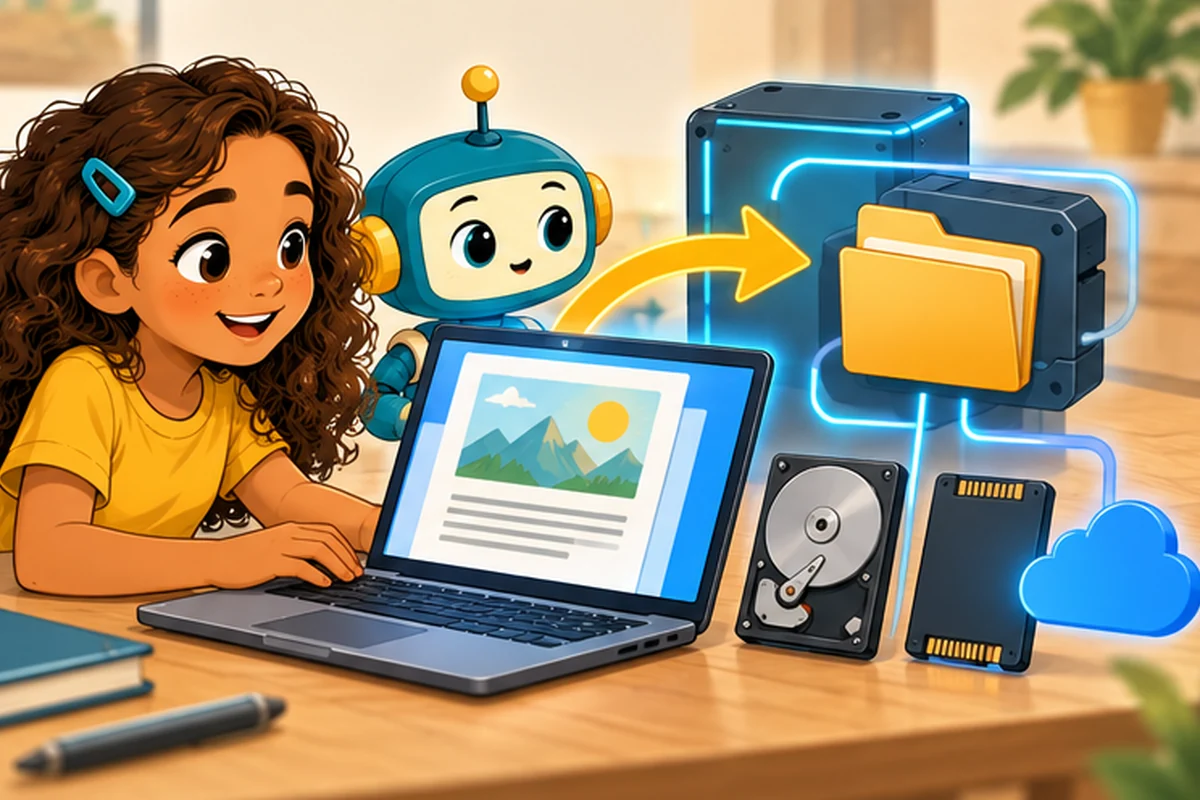
You type the first paragraph of a story, press Save, and close your laptop. Tomorrow, you open the file and the words are still there. How did the computer remember them after it was switched off?
The answer starts with the difference between working memory and storage.
RAM is the worktable; storage is the filing cabinet
While you are using an app, it keeps information it needs in RAM, or random-access memory. RAM is fast, but most ordinary RAM loses its contents when power is removed. That is why unsaved work may disappear after an unexpected shutdown.
Storage is designed to keep information for longer. Computers commonly use solid-state drives (SSDs) or hard drives. Your phone has built-in storage too. The exact method varies by device, but saved information is represented as digital data.
What happens when you click Save?
- You create or change information in an app.
- The app prepares a file in a particular format, such as a text document or a picture.
- The operating system helps write that data to a storage device.
- The file system keeps track of information such as the file name, location, and where the file's data is stored.
- When you reopen the file, the app reads the saved data and turns it back into something useful on the screen.
This is a simplified outline. Real devices may use caches and background writing, so completing a Save operation safely can involve additional steps.
What is a file format?
A file is not simply “some words.” Its format tells software how to interpret its data. A .txt file is usually plain text. A .png file stores image information. A .pdf can preserve a designed page layout. Changing the letters at the end of a file name does not automatically convert the information into a different format.
A folder helps organize files, while a path tells the computer where they belong.
Does saving mean my file is backed up?
Not necessarily. A single saved file can still be lost if a device is damaged or a file is accidentally deleted. A backup is an additional copy kept so you can recover important information.
Cloud sync is different from backup. Sync services help the same files appear on multiple devices. But if a file is accidentally deleted, that deletion may also sync unless the service offers version history or recovery options.
A surprising detail: Save and Save As
Save usually updates an existing file. Save As typically lets you choose a different name, location, or sometimes format. You can use Save As to create a second version of a project before making major changes.
Try it: a file rescue plan
Write a short story in an app, save it with a descriptive name, close the app, and reopen it. Then answer these questions: Where did you save it? Which app opens it? How would you recover it if the device stopped working? Ask a trusted adult to help plan a backup for schoolwork you want to keep.
Quick questions
Will turning off a laptop erase my saved files? Normally, no. Files properly saved to nonvolatile storage remain there.
Is the cloud just empty air? No. Cloud files are stored on physical servers operated by a service.
Keep exploring
Compare How Do Computers Work for Kids? with What Is the Cloud?. Find more explanations of RAM, software, and storage in How Computers Work for Kids.